

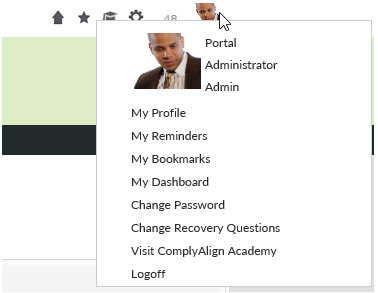
You can view and edit your profile by clicking you picture or the icon in the upper right corner of the banner. In this menu, there will be a link called “My Profile”. Once on “My Page”, you are now able to edit the “About Me”, “Professional Profile.”
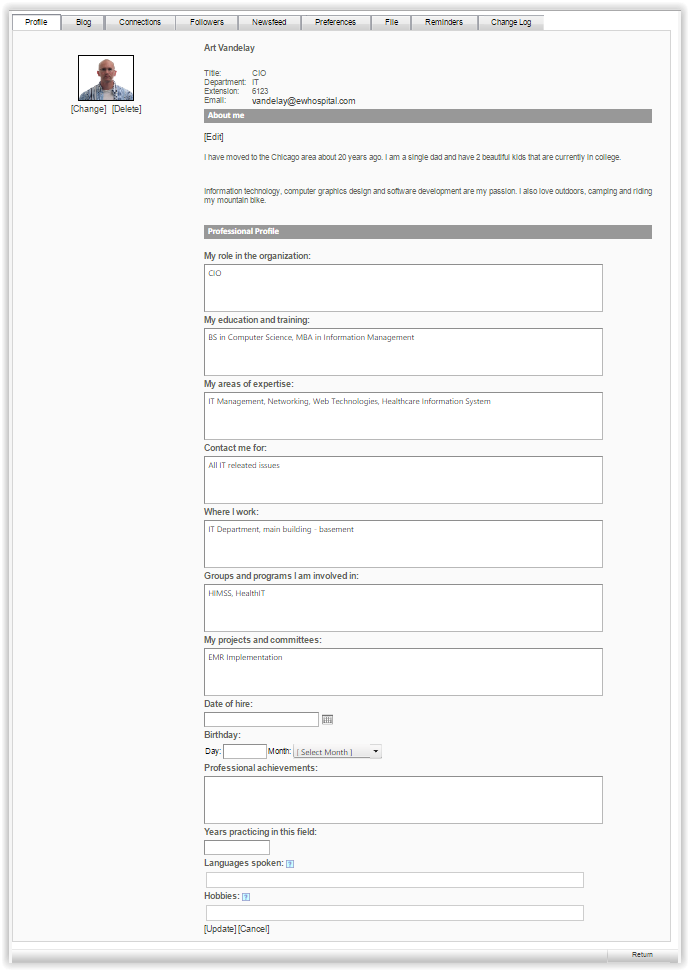
Hobbies can now be populated by starting to type a hobby and selecting from automated suggestions.

You can also view others’ profiles through the Phone Directory component. First, search for the person and click on their name in the search results. To view the profile, click on the “View User Profile” icon ( ) above their name.
Another way to view other’s profiles is by clicking on their profile pictures or their profile name anywhere in the Portal where they have made a comment.
Last modified:
Jul 10, 2023
Post your comment on this topic.