

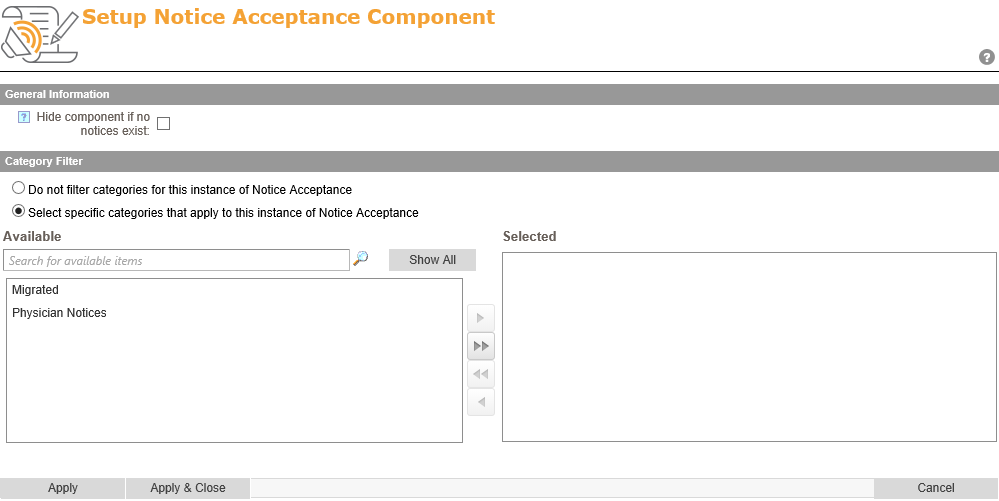
To access the setup screen, click on the Component Menu ( ) and selecting the Setup link.
On the setup page, you can hide component if no notices exist by selecting the checkbox under General Information heading.
Under the Category Filter section of the setup screen, editors can choose to only show notices from specific categories. If the Do not filter categories for this instance of Notice Acceptance radio button is selected, it will show all notices from all categories.
If the Select specific categories that apply to this instance of Notices Acceptance radio button is selected, then the editor can choose specific categories to show. This is useful if this instance of the Notices Acceptance component is on a department page and you only want that department’s notices to show on the page. Once selected editors can select the categories under the Available box and use the right arrow to move it to the Selected box.
Post your comment on this topic.