

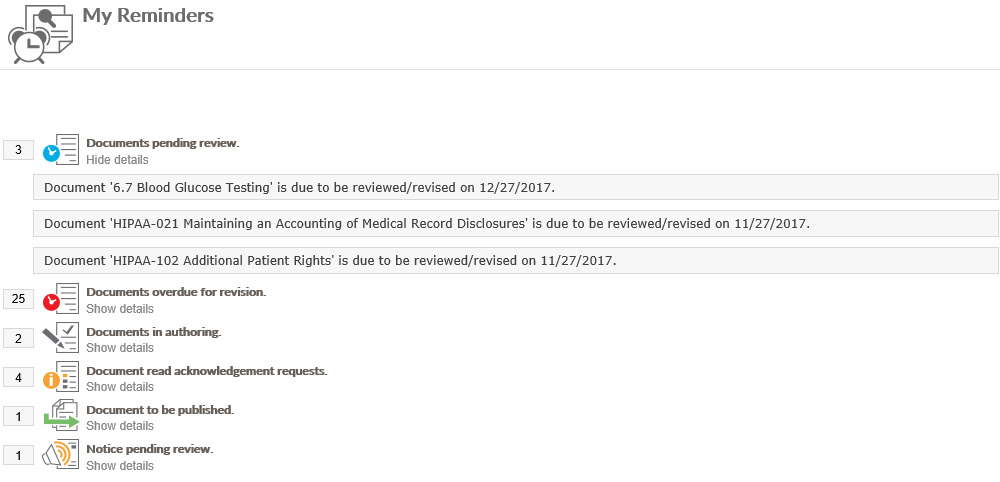
The My Reminders page that can be accessed by the User Info Dropdown in the upper right coner of the site can display various system generated notifications that are user specific. For users that are part of the P&P approval workflow, they will see notifications for when they need to act on a specific policy. They will be broken up into categories such as “Documents pending review” or “Documents to be Authored”. Each category will have a Show Details link under the heading. When clicked, a list of document that fall under that step in the workflow that are pending your action will be displayed. Clicking on the document titles will display the appropriate screen to complete the task.
Last modified:
Jul 10, 2023
Post your comment on this topic.