

Administrators have the capability to copy the settings from one component to another, aiding in standardizing the configuration throughout the portal. This access is available to system administrators from the Administrator menu, under the P&P Management Option.
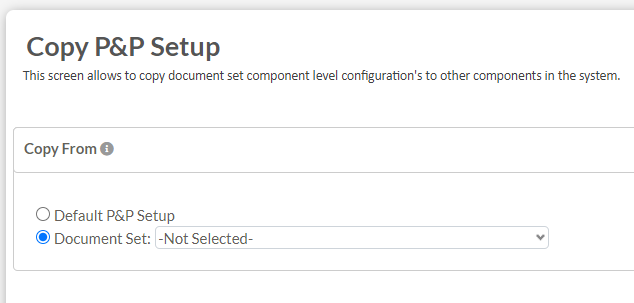
- Users will have the choice to copy all of the existing defaults or use an existing document set as the basis for the new settings.
![]()
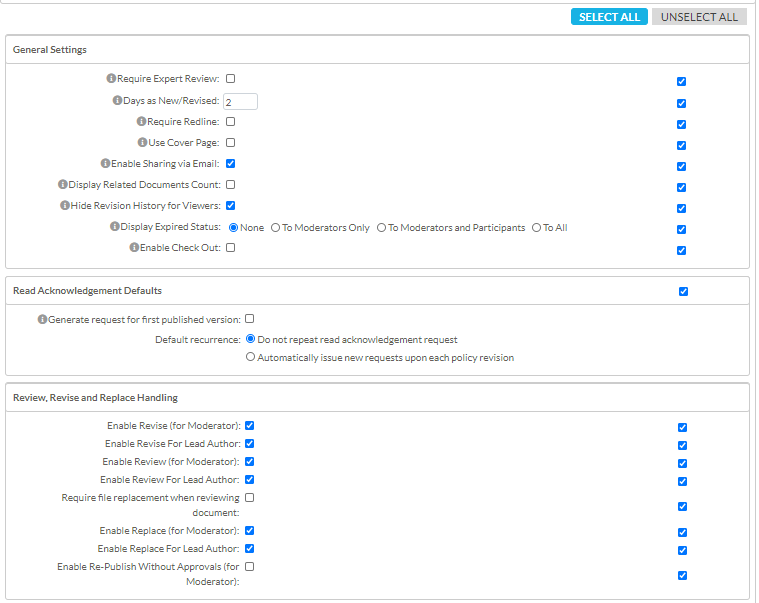
- Once selected, the existing settings will display. These are the same settings that can be found in the component setup section on the portal. Users can select or unselect all, as well as specify which settings they wish to copy.
![]()
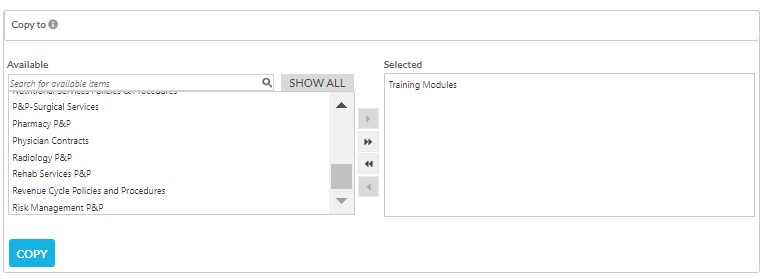
- When the settings to be copied are selected, users will scroll down and select which document set to copy these settings to and click Copy to complete the process.
![]()
Last modified:
Jul 10, 2023
Post your comment on this topic.