

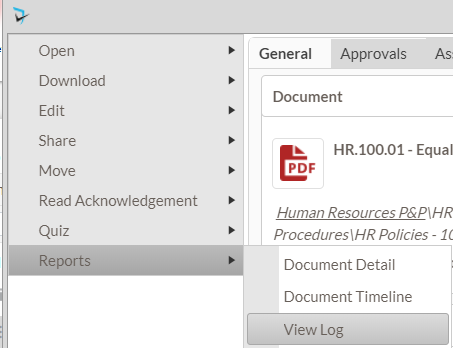
To see who has viewed a particular policy and when they viewed, moderators and administrators can access the policy’s View Log. To access the View Log for a policy, users will open he Document menu ( ), select Reports, then select View Log.
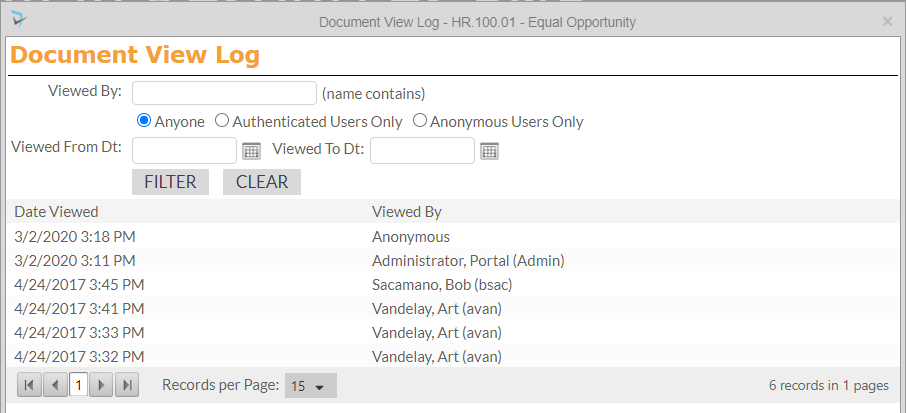
A popup will appear where moderators and administrators can filter views on:
- User’s name
- Anyone, Authenticated Users Only, or Anonymous Users Only.
- Viewed date range.
Below the filter is a list of the users that have downloaded the document from the Policy manager and when they accessed it.
Last modified:
Jul 10, 2023
Post your comment on this topic.