

The homepage is what you will see when you login to Policy Manager.
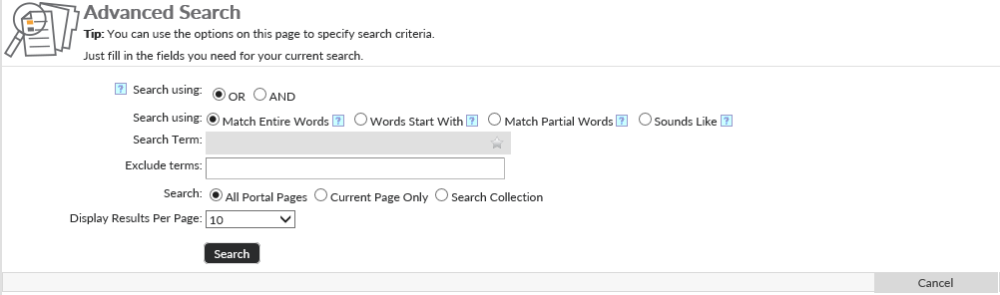
On the right side you will see a big search box. This search box will allow any user to search anything in the system including policies, forms, links, and other content. Clicking the Star ( ) icon in the search box to pull up past search terms. You can use the push pin icon next to the search terms you use most often to pin them to the top of the list. The Gear (
 ) will take you to the advanced search page that will present you with additional search options.
Below the search box, there are three buttons that will take you to the main pages within the system: Browse Policies, Browse Forms, and Connect.
On the left there is additional navigation to other pages on in the system that will be covered in their own articles in this manual.
Post your comment on this topic.