

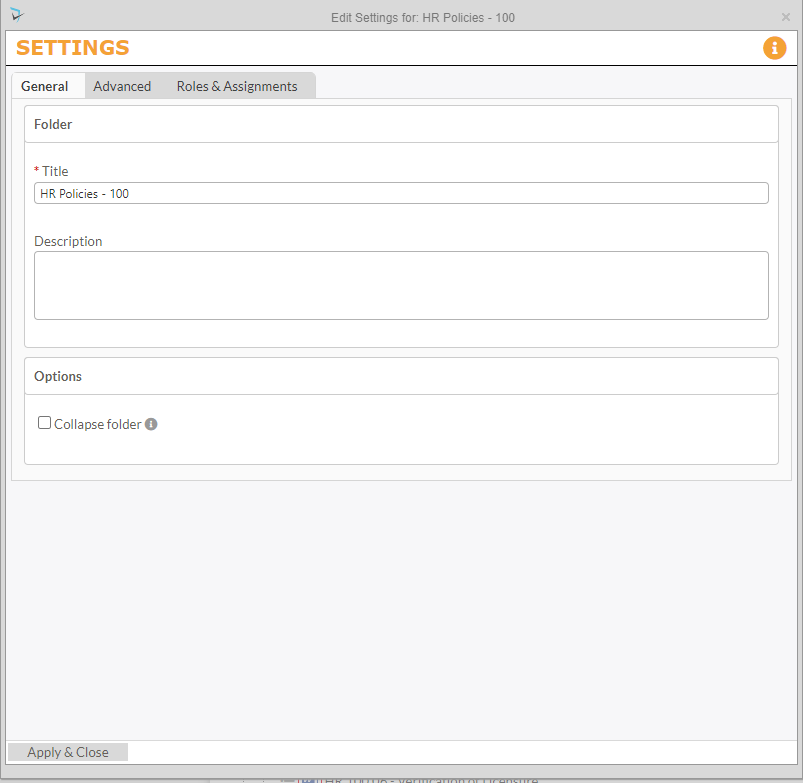
The Edit Settings screen for a folder allows editors and moderators to change General and Advanced settings along with roles & assignments. In the General tab, editors can change the title of the folder and description, as well as control if the folder will show the expanded contents or collapse the folder.
The Advanced tab allows you to specify other configuration settings for the folder. If no configuration settings are set on the folder level, the settings from the parent folder or the component will apply. However, once any of the settings are set on the folder level, all documents and sub-folders within that folder will automatically inherit the folder specific settings.
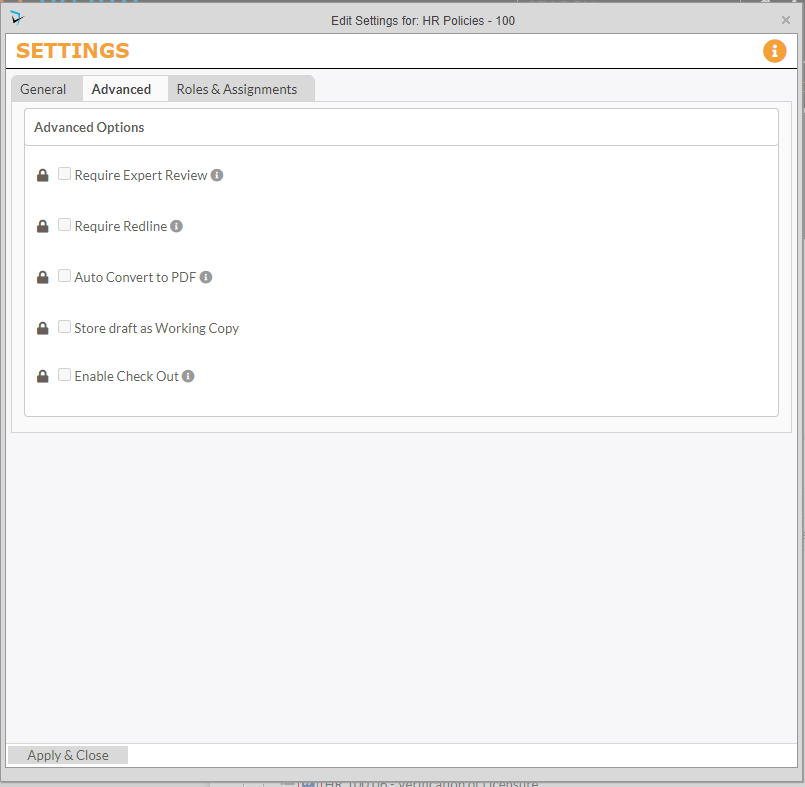
To override the settings on the component or parent folder settings, first click the lock icon next to the setting you want to override to unlock the icon from inheriting the parent setting. Then check the box for that setting.
To change P&P Roles for this folder, click on the Role & Assignments tab. To edit the users assigned to the roles, please see the Roles & Assignments section of the Policies & Procedures Setup article of this manual.
Post your comment on this topic.