

- Administrators may select a user to modify by locating the user’s login name from the list of available users, or by searching for the user record using the search filters at the top of the screen.
- Users will click the Delete icon (
![]() ) to remove the User Profile permanently from the system.
) to remove the User Profile permanently from the system.
 ) to remove the User Profile permanently from the system.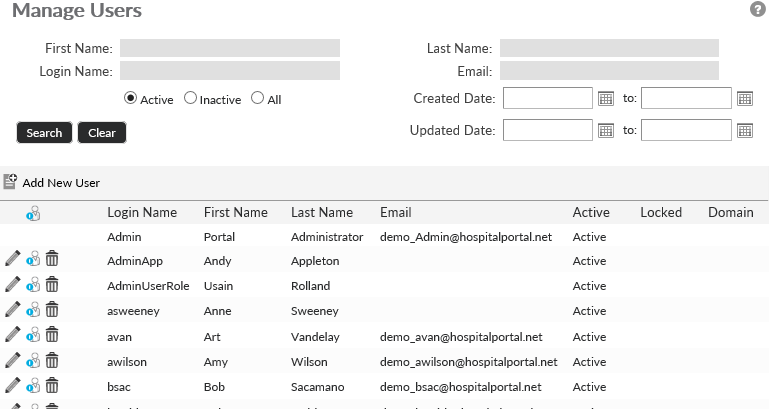
Last modified:
Jul 10, 2023
Post your comment on this topic.