

The P&P component provides a very sophisticated mechanism to control access and modification rights. Once the settings are configured on the component level via the P&P Setup screen, all documents and folders will automatically inherit these settings (unless they are overwritten on a folder or a document level).
However, in situations where specific users are responsible for a sub-set of documents, or even if specific documents require different users to create, manage or approve the documents, the settings can be separately configured on the folder or document level.
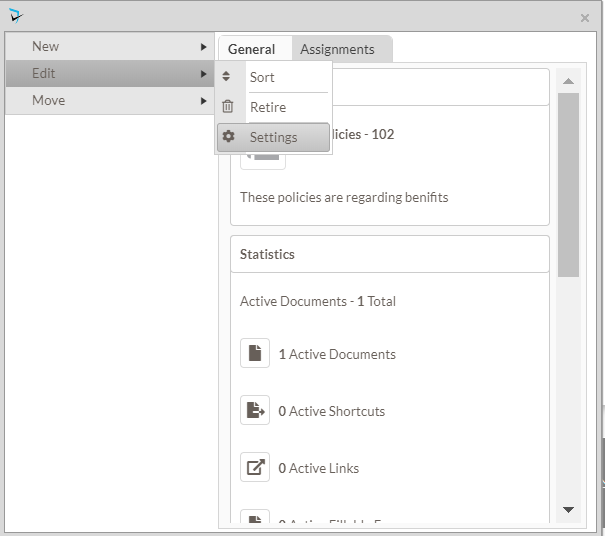
In order to specify an individual configuration option on a specific folder or document, select Edit from the document or folder menu, then select Settings.
Last modified:
Jul 10, 2023
Post your comment on this topic.